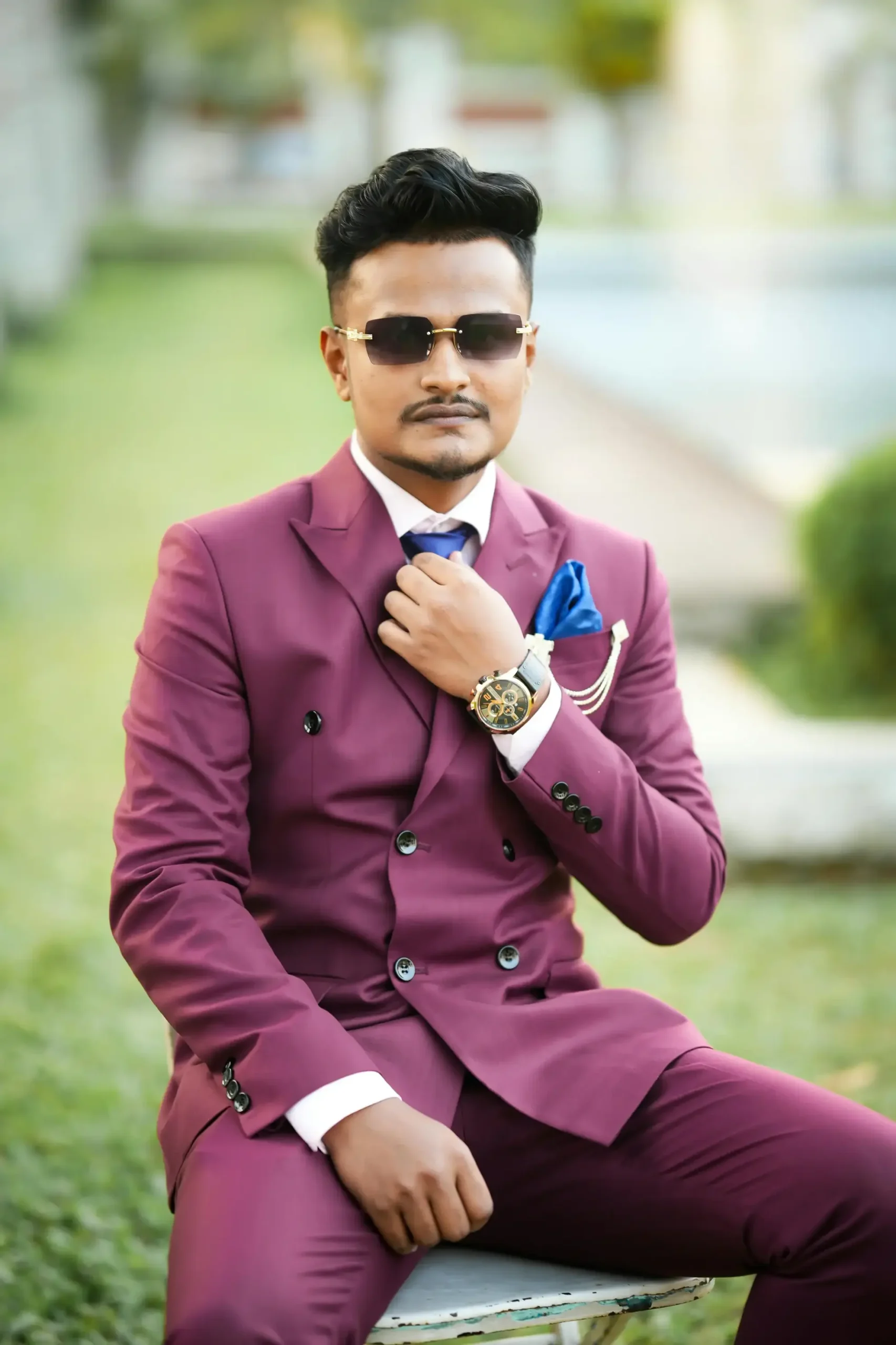
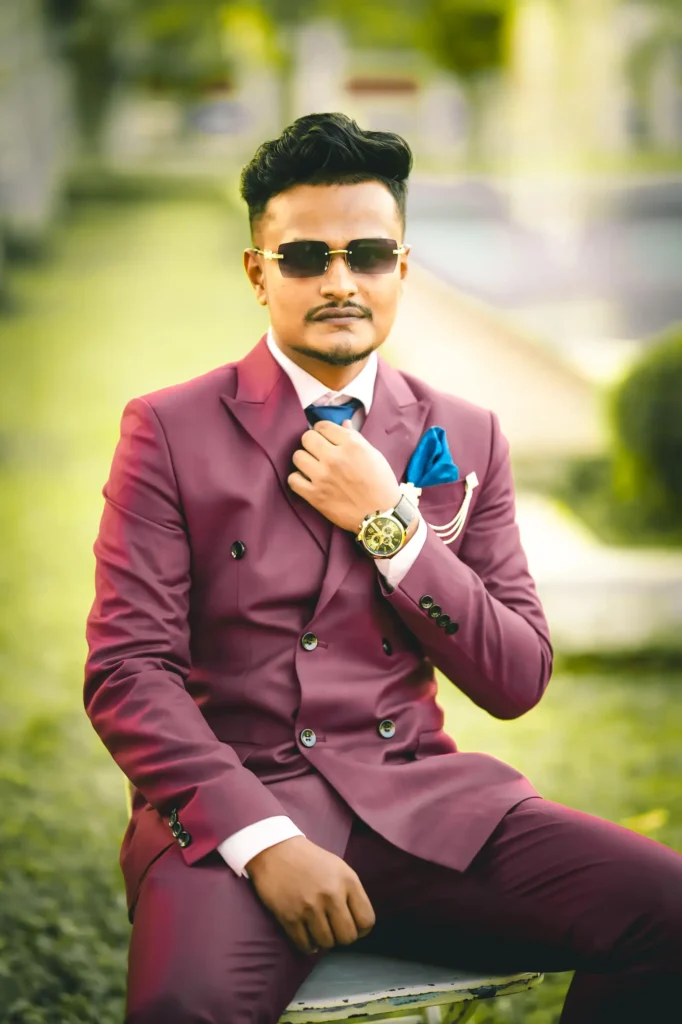
Transform your photos with this free Luxury Portrait Lightroom Preset. Get rich skin tones, vibrant colors, cinematic contrast, and a professional outdoor portrait look in just one click. Download the DNG preset for free and use it on Lightroom Mobile without any limits.
Best For
This preset works best for:
- Wedding Portrait Photography
- Groom & Bridal Photos
- Outdoor Portraits
- Fashion Photography
- Lifestyle Photos
- Engagement Shoots
- Social Media & Instagram Content
- Men’s Portrait Photography
- Professional Profile Photos
Preset Features
✔ One-Click Professional Edit
✔ Rich & Vibrant Colors
✔ Enhanced Skin Tones
✔ Cinematic Contrast
✔ Outdoor Photo Optimized
✔ Lightroom Mobile Compatible
✔ Free Unlimited Download
How to Use This DNG Preset
Step 1
Download the DNG preset file from EditCraftLab.
Step 2
Open the Lightroom Mobile App.
Step 3
Import the downloaded DNG file into Lightroom.
Step 4
Open the imported preset image.
Step 5
Tap the three dots (⋮) in the top-right corner.
Step 6
Select Copy Settings.
Step 7
Open the photo you want to edit.
Step 8
Tap the three dots (⋮) again and choose Paste Settings.
Step 9
Your photo will instantly get the preset effect.