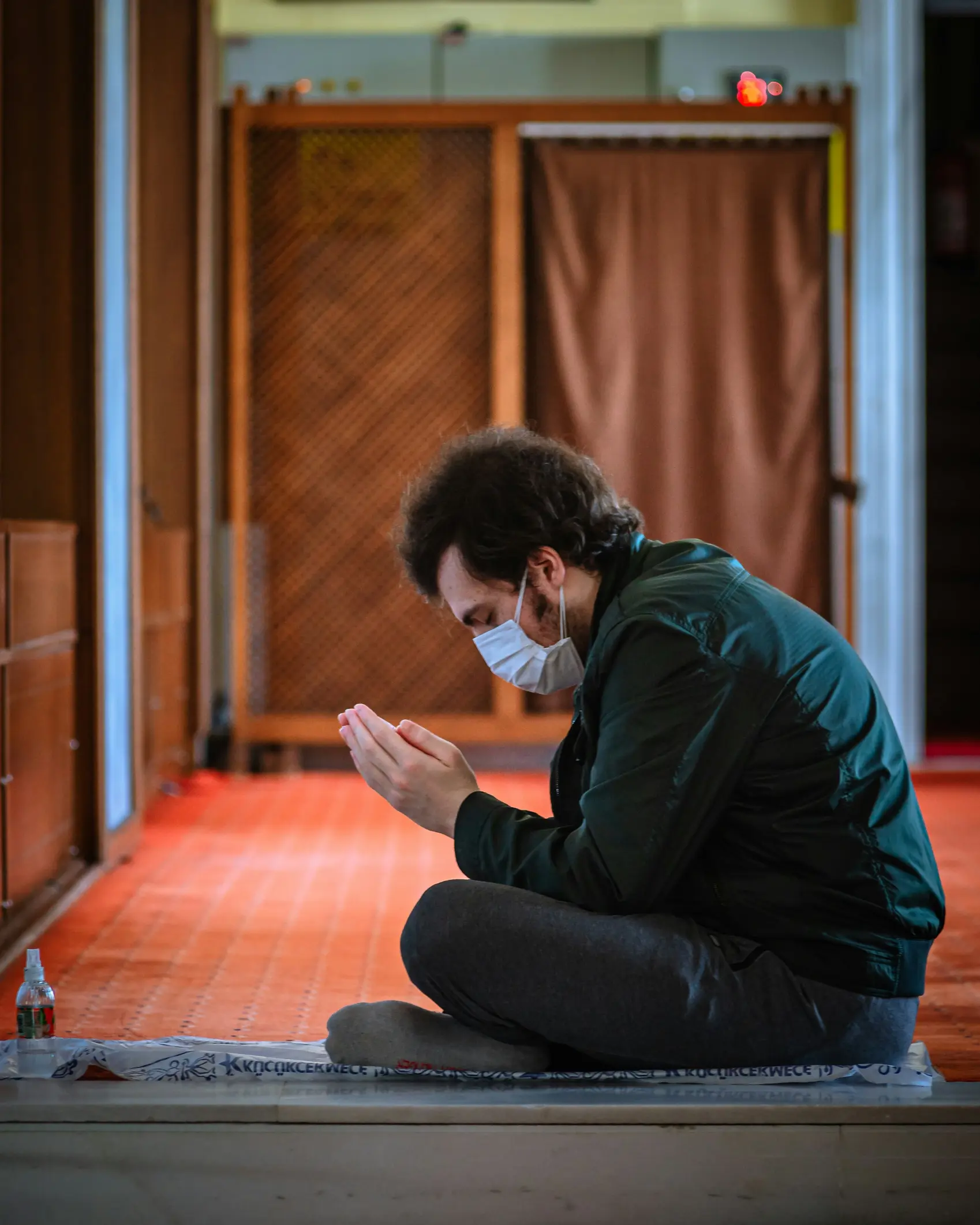
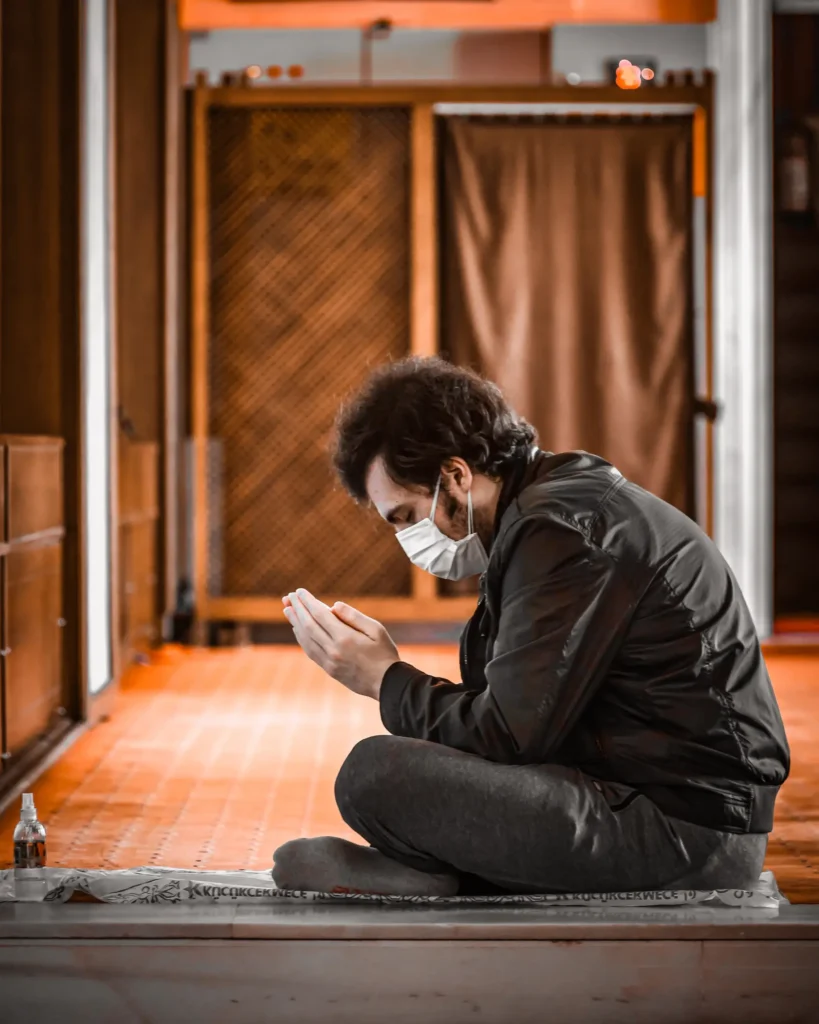
Transform your photos with this free Moody Cinematic Lightroom Mobile Preset DNG from EditCraftLab. Inspired by emotional portrait photography, this preset enhances warm highlights, deep shadows, rich brown tones, and cinematic contrast while maintaining natural skin tones. The result is a professional, storytelling look with improved depth, texture, and atmosphere. Perfect for photographers, content creators, and social media users who want a dramatic yet realistic editing style. Simply import the free DNG file into Lightroom Mobile and apply the settings in one click for an instantly polished image.
Best For
- Portrait photography
- Lifestyle photography
- Street photography
- Religious and spiritual portraits
- Emotional storytelling images
- Instagram content creation
- Indoor natural light photography
- Travel photography
- Social media branding
- Professional Lightroom Mobile edits
Preset Features
- Free DNG preset download
- Moody cinematic color grading
- Warm orange and brown tones
- Enhanced subject separation
- Rich shadow depth
- Soft highlight control
- Improved texture and detail
- Professional contrast adjustments
- Natural-looking skin tones
- Optimized for Lightroom Mobile
- One-click editing workflow
- Suitable for JPEG, RAW, and smartphone photos
How to Use This DNG Preset
Step 1: Download the DNG File
Download the free preset DNG file from EditCraftLab.
Step 2: Open Lightroom Mobile
Install and open Adobe Lightroom Mobile on your Android or iPhone.
Step 3: Import the DNG Preset
Add the downloaded DNG file to Lightroom.
Step 4: Open the Preset Image
Tap the imported DNG image to view it.
Step 5: Copy Preset Settings
Tap the three-dot menu (⋮) and select Copy Settings.
Step 6: Open Your Photo
Choose the photo you want to edit.
Step 7: Paste Settings
Tap the three-dot menu again and select Paste Settings.
Step 8: Fine-Tune if Needed
Adjust exposure, brightness, or temperature based on your photo and lighting conditions.
Step 9: Export Your Edited Photo
Save your professionally edited image in high quality and share it on social media.